1. Go to Admin- Users
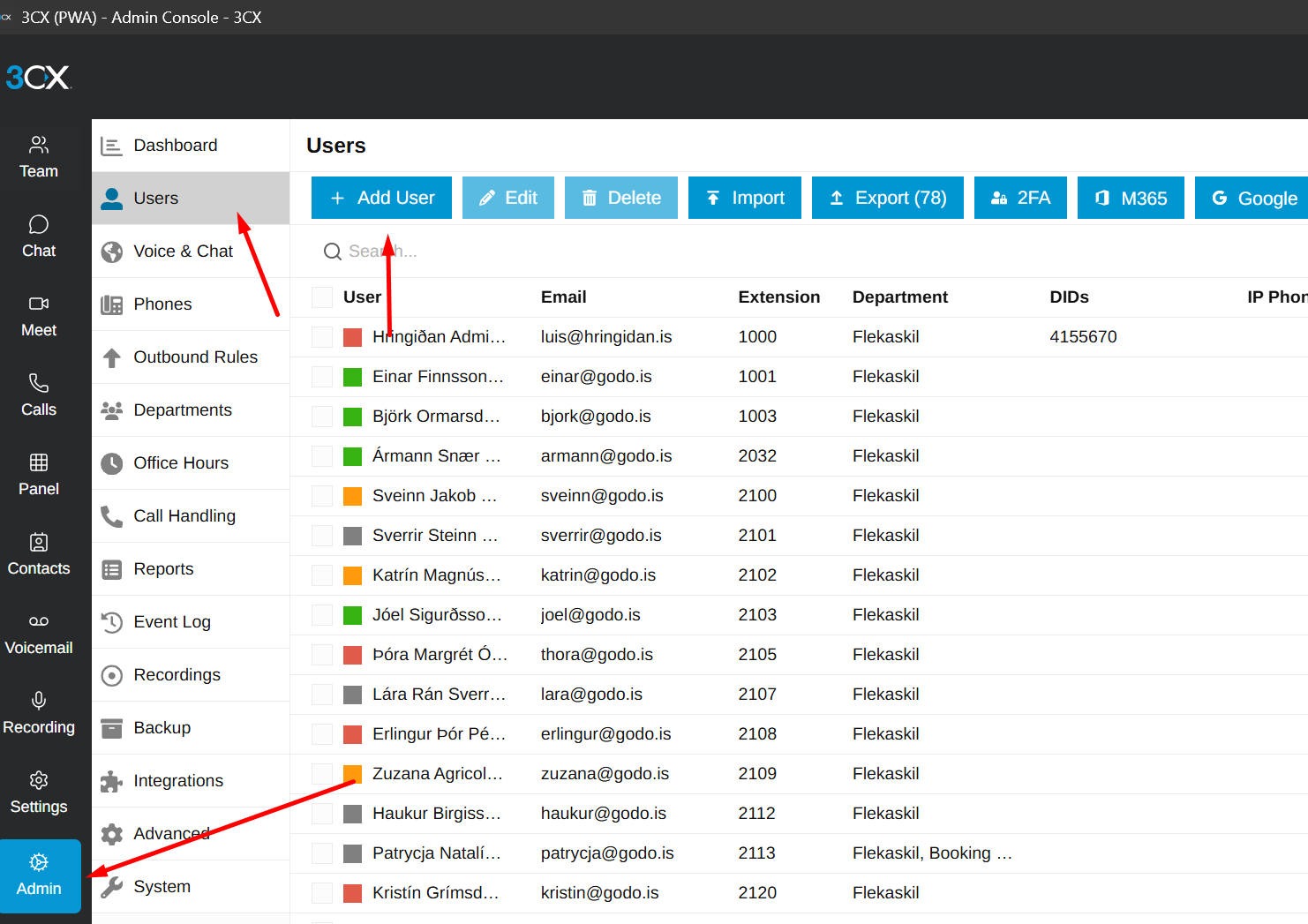
2. Find the last employee and their extension code, use an extension code for the user after the last one when creating the new one
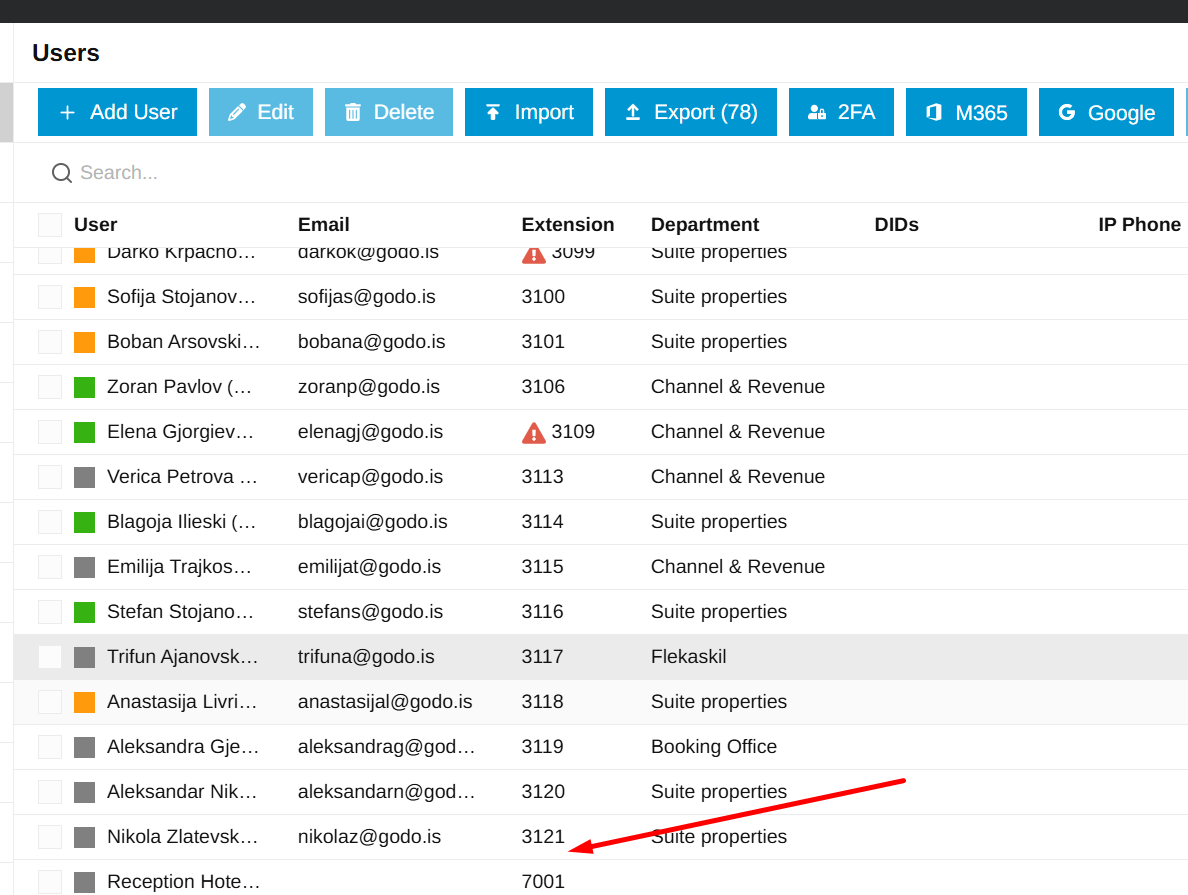
For example, the new user will have the extension 3122 in this case.
3. Go to Admin- Call Handling
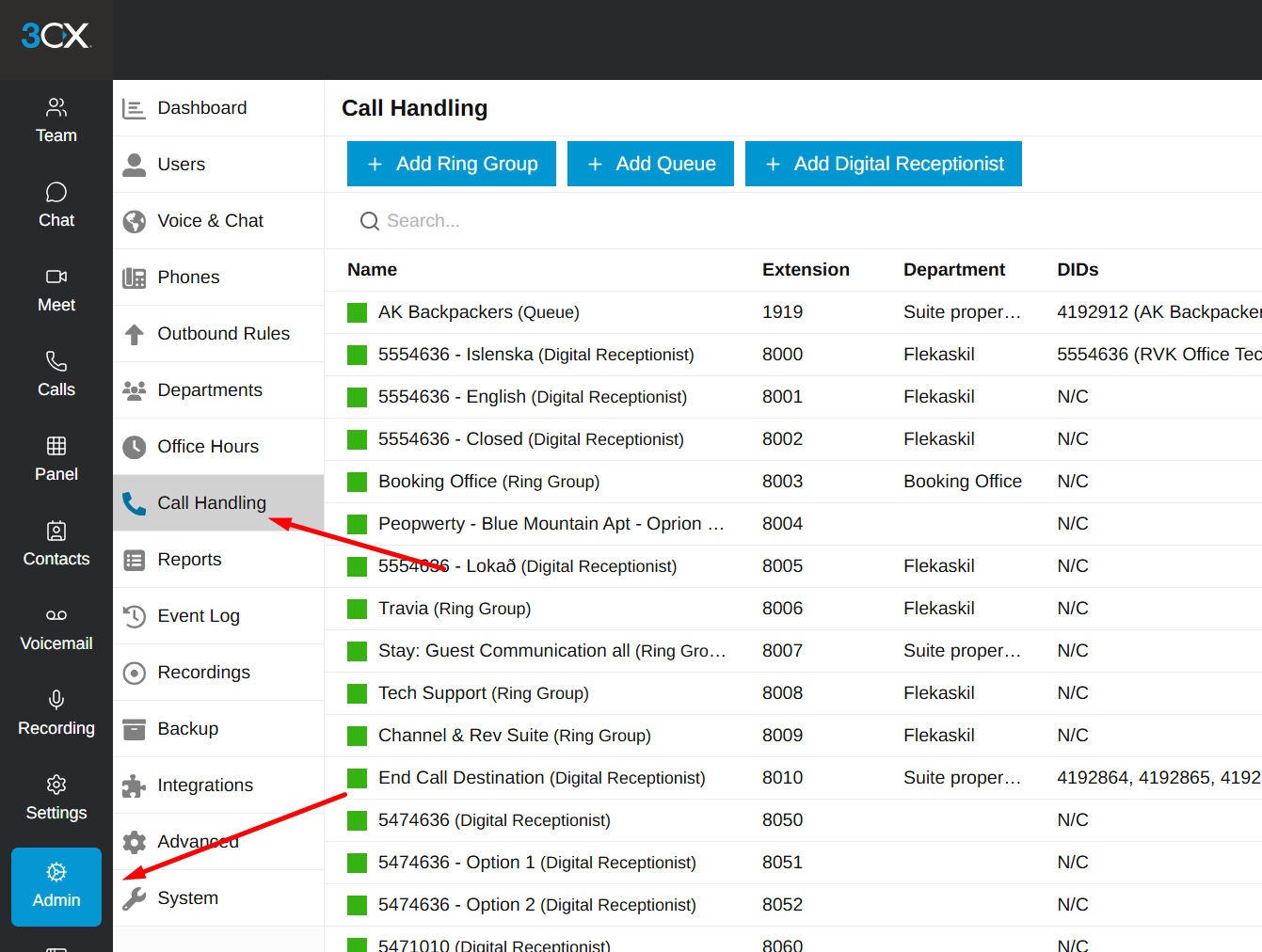
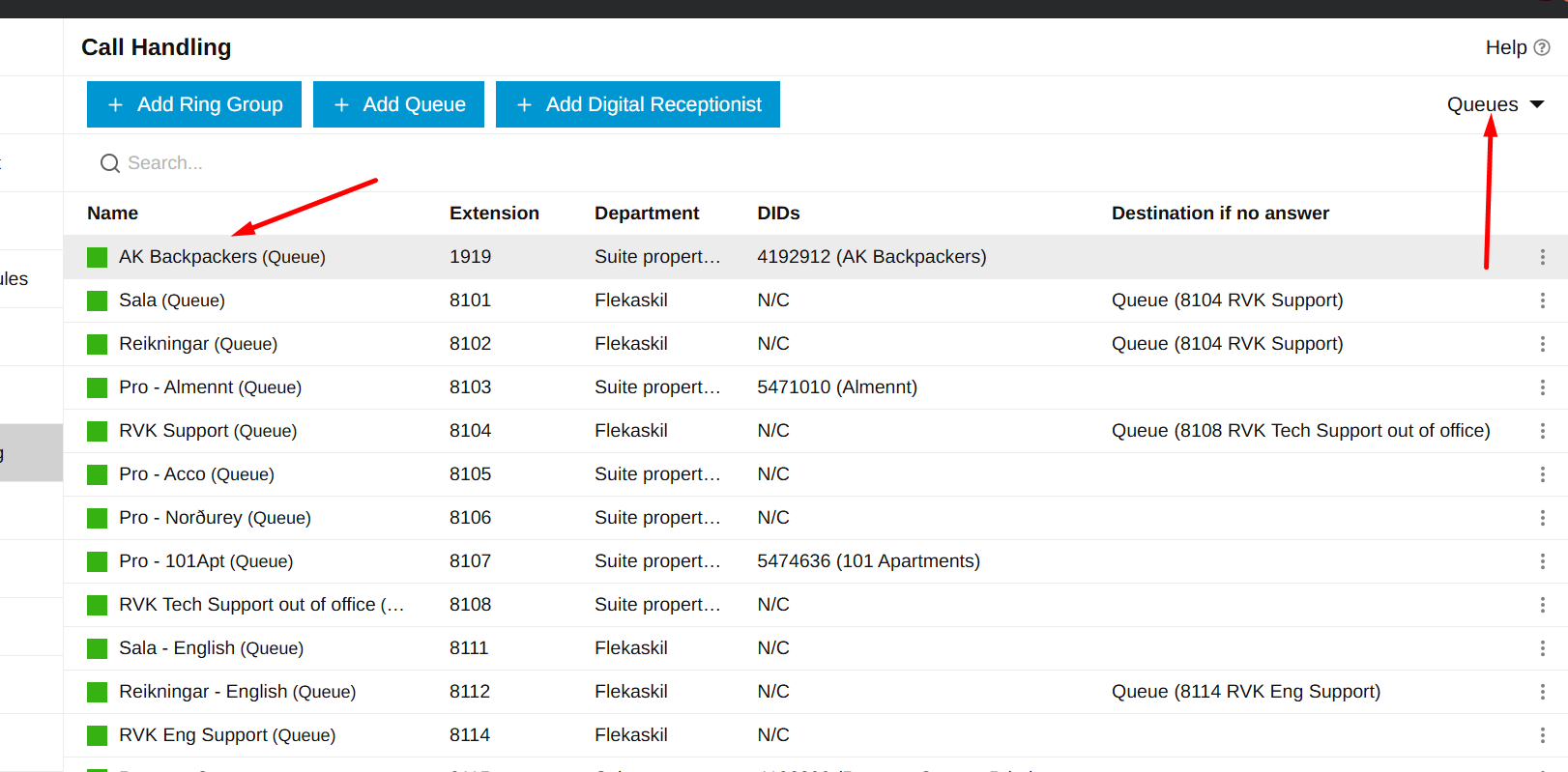
4. Filter by Queues and enter the first one
5. Go to Users- Add user/s and Save
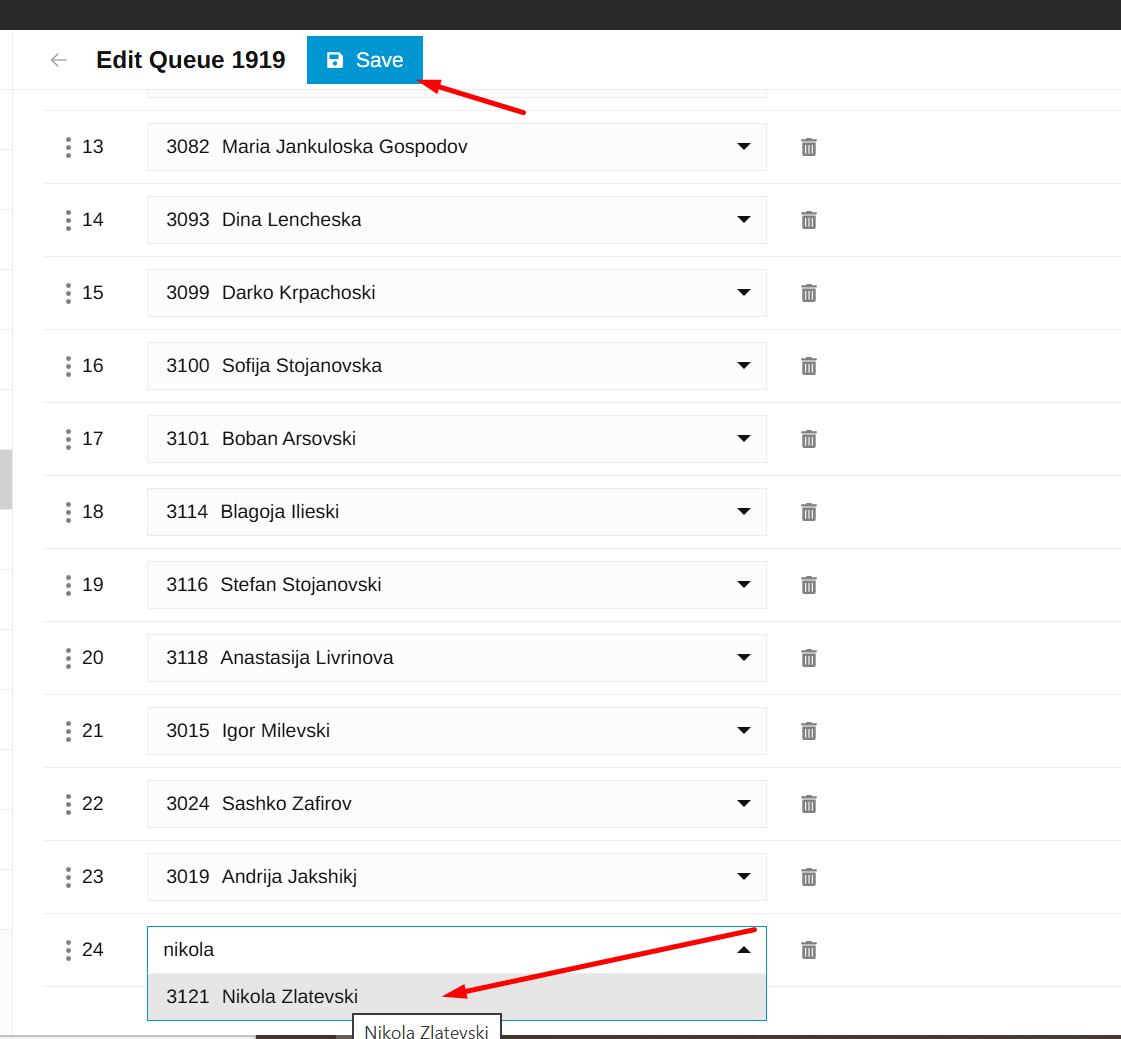
6. Do this for all applicable queues on the list
Was this article helpful?
That’s Great!
Thank you for your feedback
Sorry! We couldn't be helpful
Thank you for your feedback
Feedback sent
We appreciate your effort and will try to fix the article